Dental shifts
on your terms.
Your time, your area, your choice.


Your time, your area, your choice.
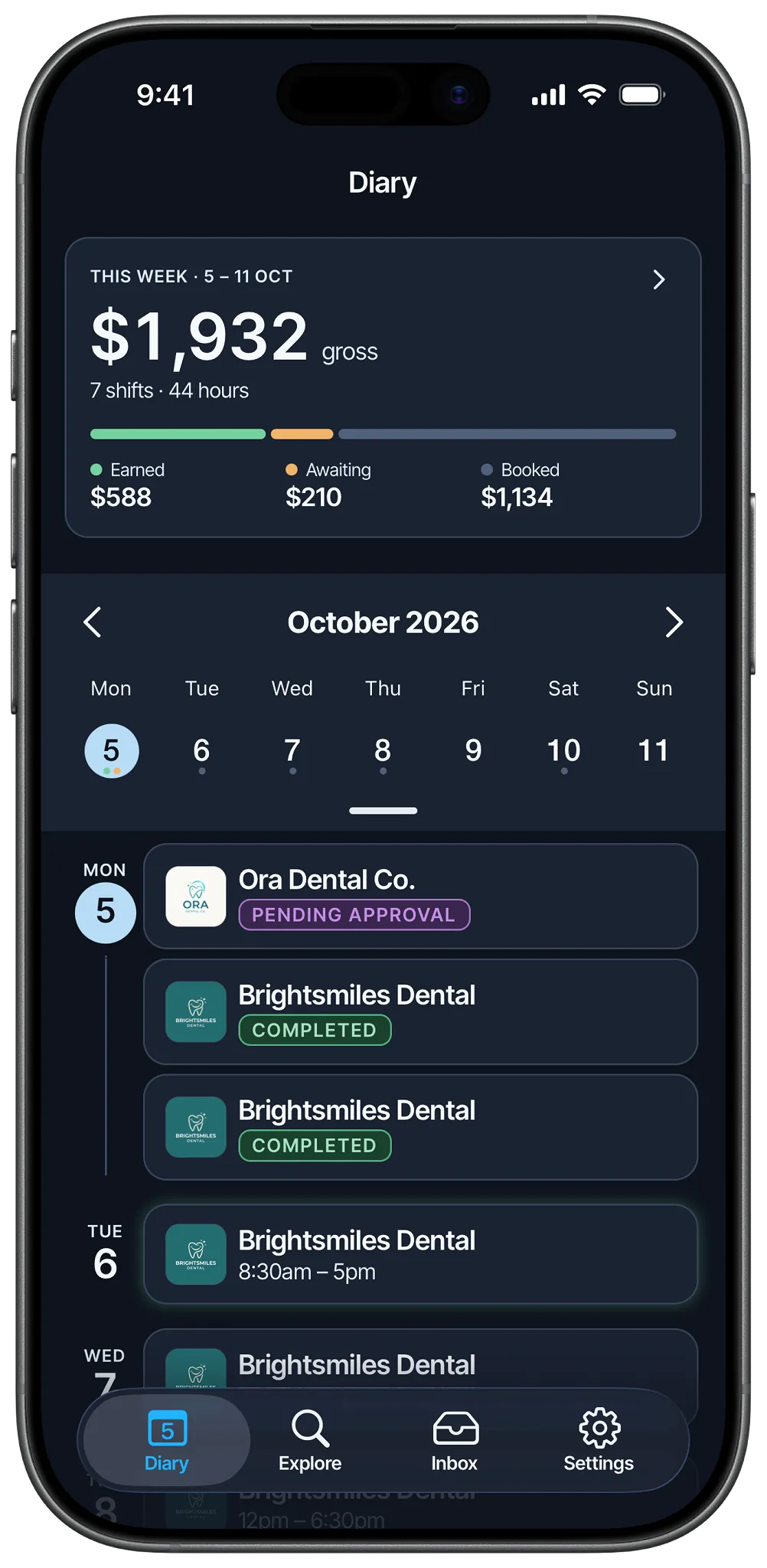
No recruiter fees, no markups, nothing deducted from your pay. The rate on the shift is the rate you earn, and your week's earnings build up in your diary as each shift is completed. You're a casual employee of the clinic, so there's no ABN or invoicing.
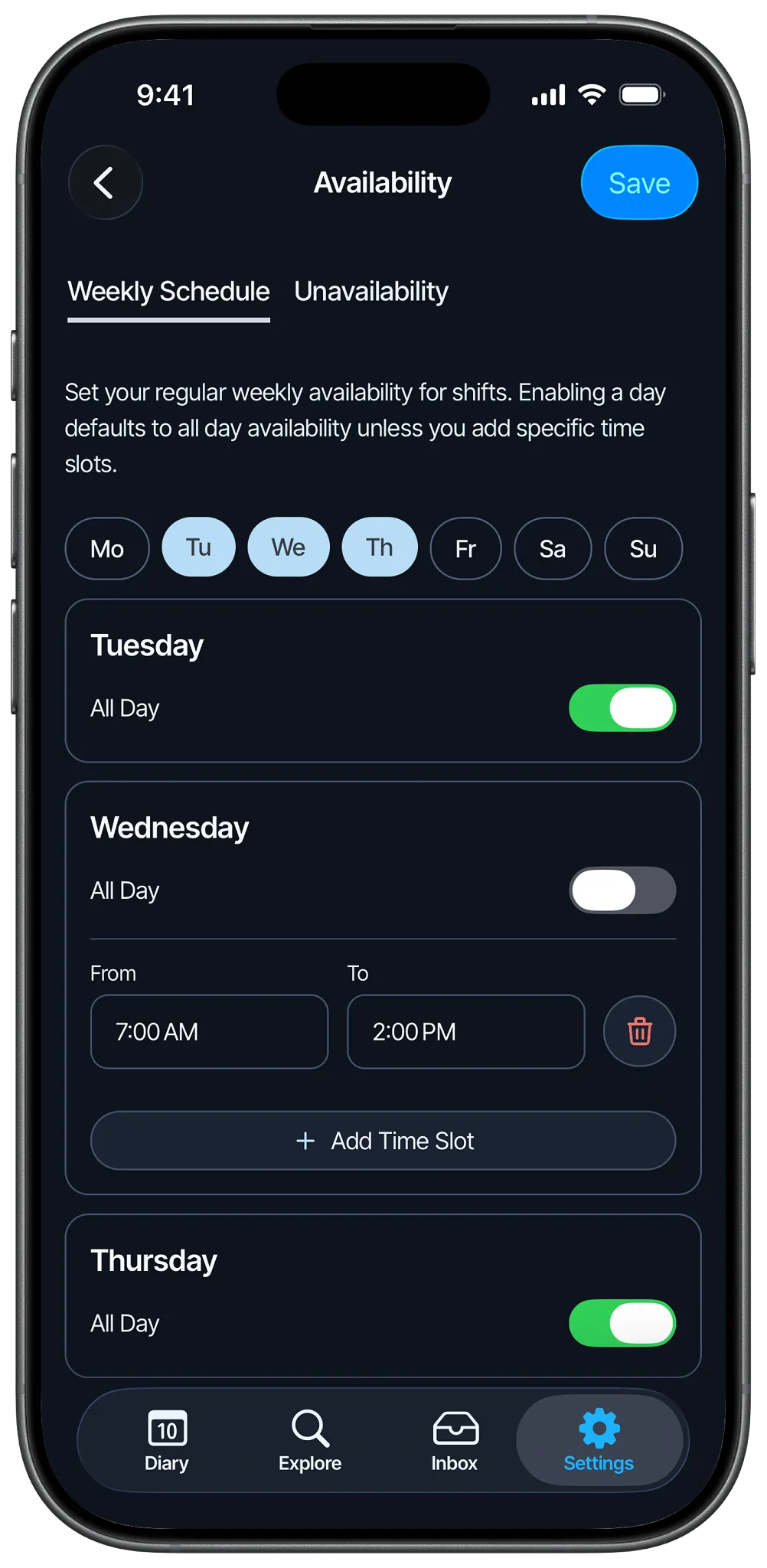
Set your regular weekly availability, then block out the days you're away. Update it anytime, with no commitments beyond the shifts you choose.
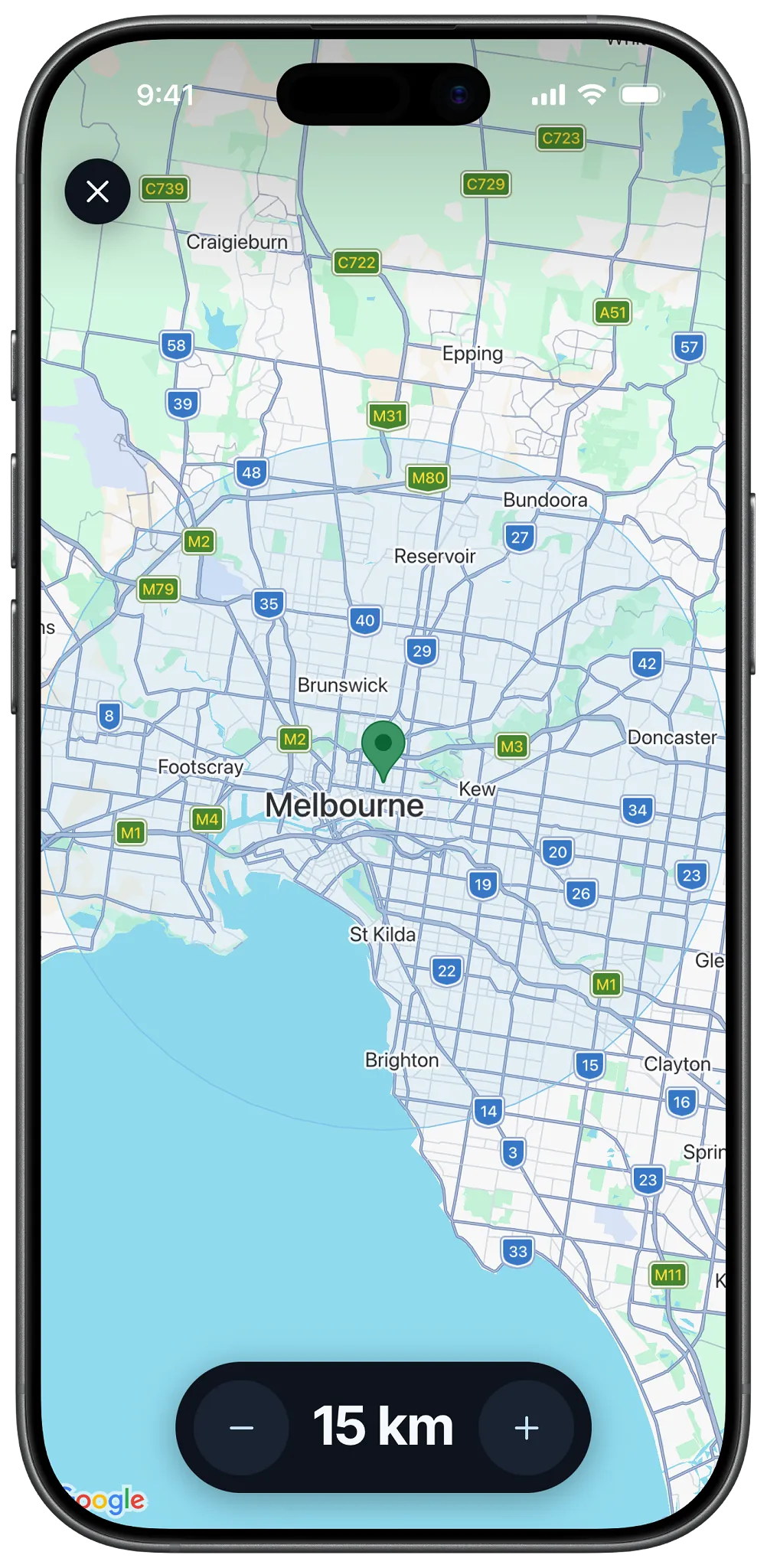
Set a radius around your location and only hear about shifts inside it. No long commutes you never agreed to.
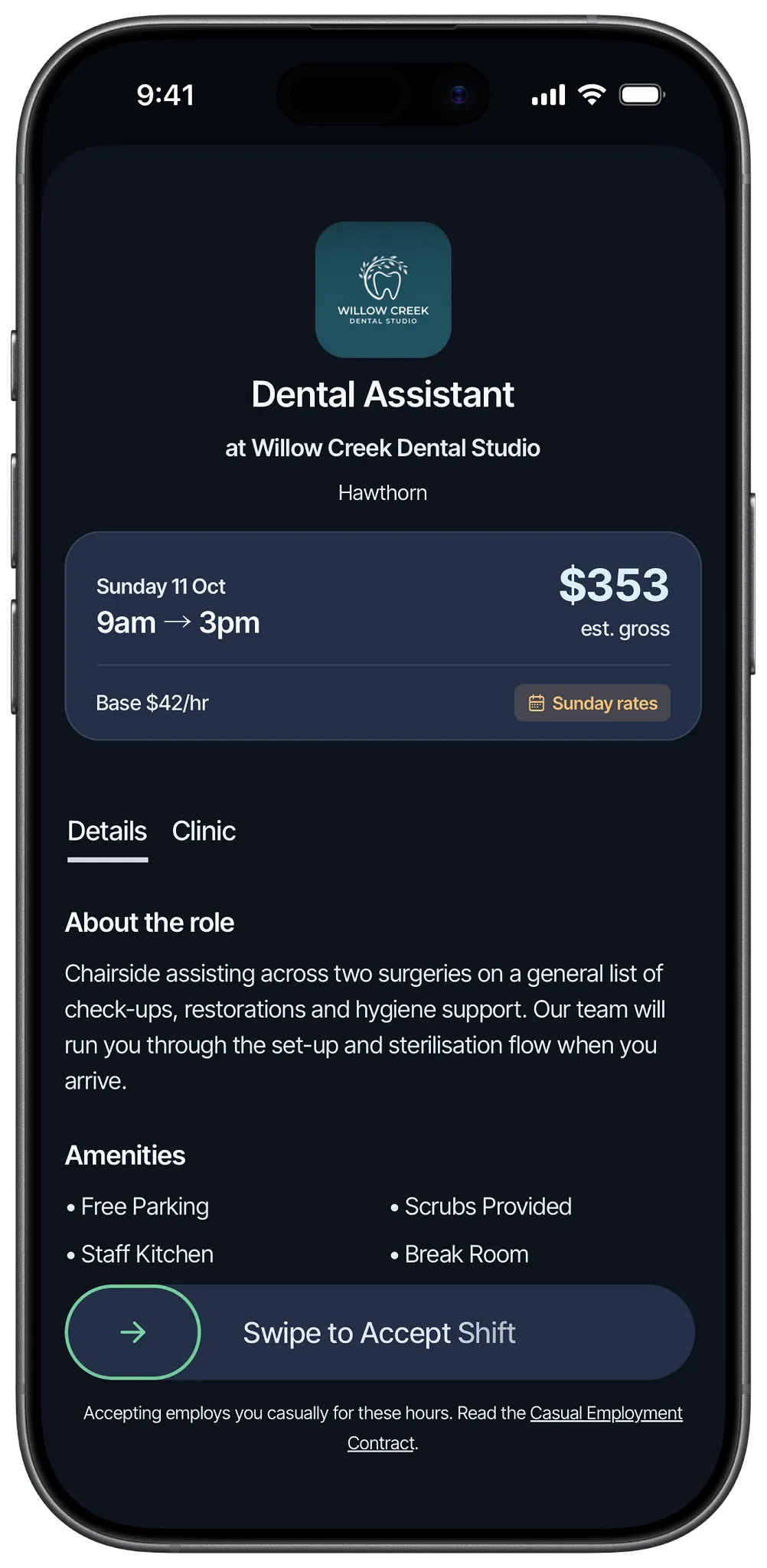
Location and parking, the team, the amenities, sign-in instructions and reviews from other dental professionals. No more walking in blind.
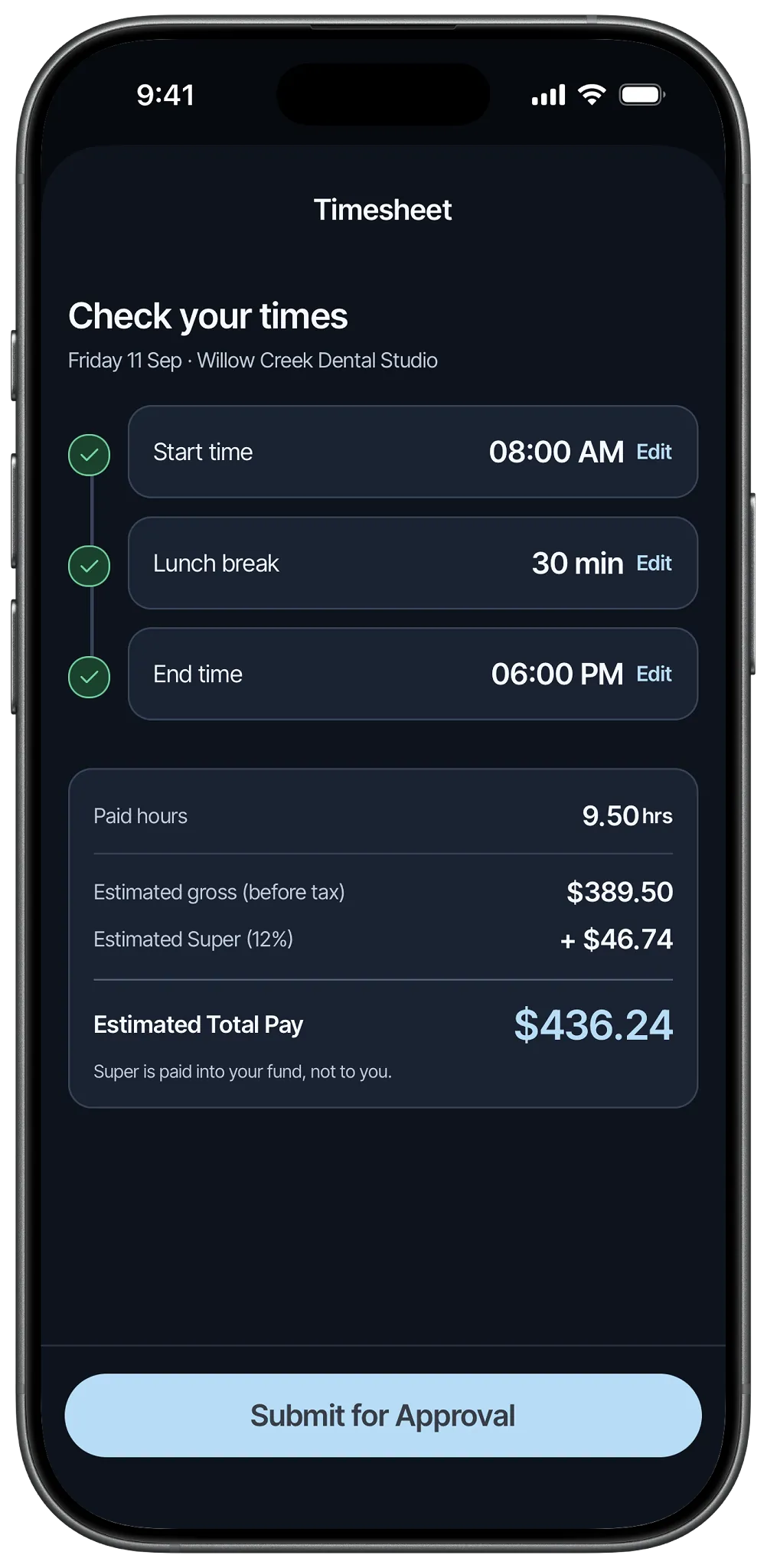
Your hours are tracked for you. Adjust the start, break and finish times if the day ran long, tap to submit, and it flows into that week's pay run.
Step by step
Step 1
Add the credentials your role requires and the experience behind them, a bio to introduce yourself, and bank details to get paid.
Step 2
Add your preferred working hours and set a radius indicating how far you're willing to travel.
Step 3
New temp shifts land in your app in real time, with the rate and your estimated take-home pay shown up front.
Step 4
Submit your timesheet at the end of a shift and it flows into the clinic's weekly pay run. No ABN, no agency cut.
Why we built Cover
We started Cover Dental because we knew there had to be a better way. For professionals, it means better pay, more choice and more control over when and where you work.

Unlike agencies, Cover puts you in control. You choose your shifts, see the hourly rate and your estimated take-home pay before you accept, and view full clinic details up front. No opaque transactions, no waiting by the phone, and no agency taking a cut of your pay. You're employed, not contracted, so there's no ABN to manage either.
Ready to get started?
Clinics post in under a minute and approve one pay run a week. Professionals set their availability and keep every dollar of the rate.